.png?width=500&height=156&name=Pineapple%20Net_Logo_RGB_Landscape_Black%20(1).png)
1) Ensure you are connected to your Router via Wi-Fi or an Ethernet Connection
2) On a web-browser, navigate to www.router.miwifi.com
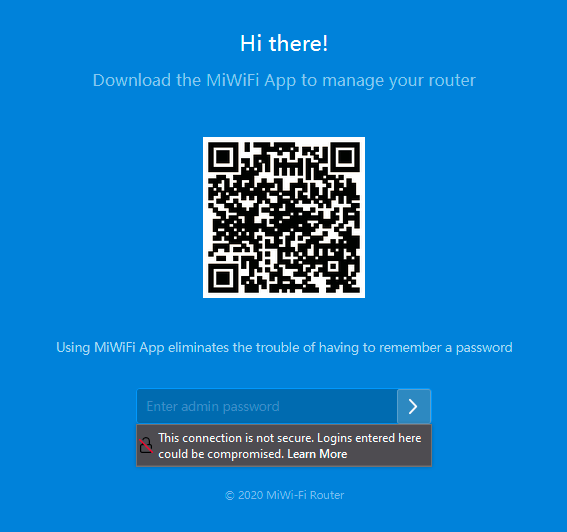
3) You will be brought to a Login screen to access the router settings. The password is typically the same as your Wi-Fi password
4) Select Network Settings

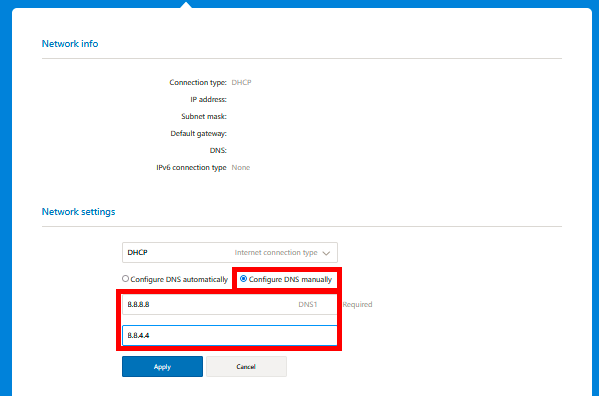
5) Under the Network Settings section, select Configure DNS Manually and enter the Pineapple Net preferred DNS settings before clicking Apply